AI analysis, built into your Excel workpapers. Your tenancy, your AI, your data never leaves
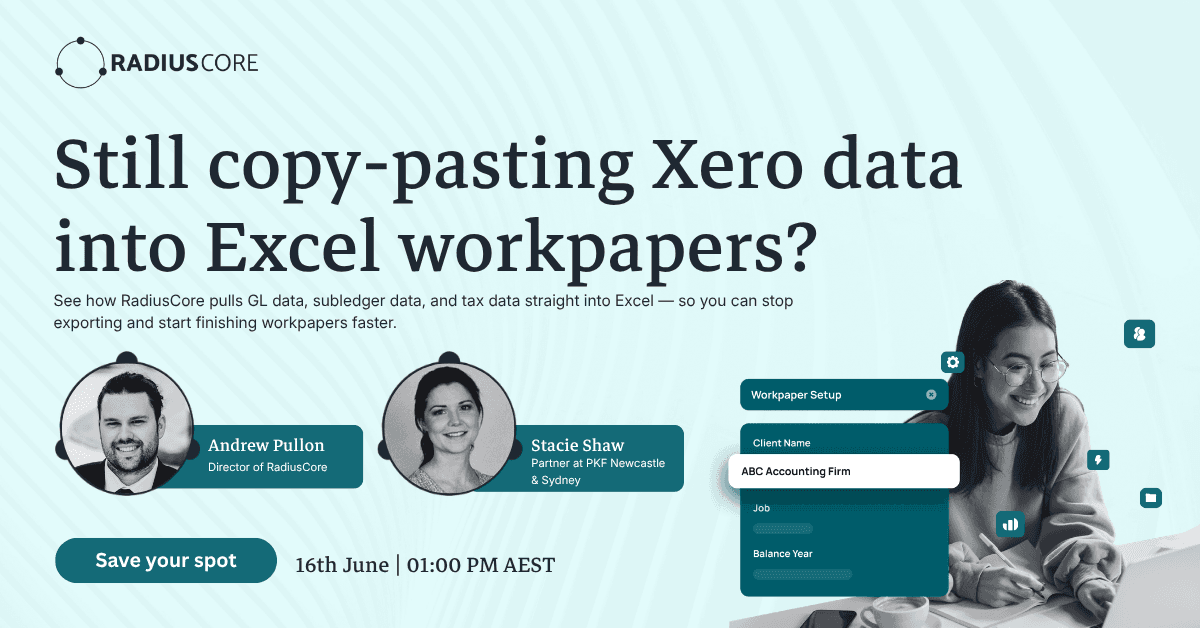
This on-demand session is a live demo of AI analysis in RadiusCore Workpapers. Andrew Pullon runs the feature on real Xero data, shows what it flags, then walks through the setup that keeps your client data inside your own Microsoft tenancy.
Andrew Pullon (RadiusCore)
47 min
Webinar
Enter your email and we’ll send the full webinar replay straight to your inbox.
We’ll only use your details to send the replay and occasional RadiusCore updates.
Add a short webinar summary here.You export the general ledger from Xero into Excel. You log in to the ATO or IRD and paste the tax data in too. Then you read down a transaction listing looking for anything that needs a second look. By the fortieth file, reviewing the same thing, that's when things get missed.
RadiusCore Workpapers already pull that data in for you. AI analysis is the next step: it reads the detail and tells you which transactions are worth your time.
What you'll see
Connect a workpaper set to Xero, then pull the trial balance in with current year and prior year side by side.
Auto-populate the workpapers you need based on your Xero report codes, and turn others on in edit mode.
Pull sub-ledger data straight into a workpaper, so the detail sits above your general ledger balance and ticks off against it.
On-worksheet checklists that expand from the workpaper itself, with room for yes, no, and comments.
Press Analyse with AI and get a written response back in the workpaper. In the demo it reads 14 office expense transactions and flags 3: a query on what looks like a personal gift, a credit note to verify, and a material laptop purchase.
Click a hyperlink in the workpaper to jump straight to that transaction in Xero.
Duplicate the sundry expense workpaper as many times as you like, for whatever codes you want to run analysis on.
Put more than one general ledger code in a single workpaper by separating them with a space. The analysis handles both accounts together and knows which is which.
How refresh works, and why it's deliberate: Ctrl+Shift+U refreshes your balance verification data, but not the sub-ledger. If someone recodes a transaction, you get a red cross and know to go and look.
You can rerun the analysis as many times as you want. There's no limit.
What the setup involves
RadiusCore uses a bring your own keys approach. Each subscriber hosts their own AI model, on Azure OpenAI, inside the Microsoft 365 tenancy your firm already has.
That means:
Your client data stays in your tenancy. It isn't shared, and it isn't pooled with any other RadiusCore subscriber's data.
You choose where the model is hosted.
There's no cost to have the resource sitting there. You pay for what you use.
The one-time setup runs in three steps:
Provision an Azure OpenAI resource in your Microsoft tenancy. Most firms will want their IT team involved here.
Give RadiusCore secure access credentials through the app. They're encrypted and stored to industry standard.
Run the analysis. Data goes from your workbook to your model and back to your workbook. It never leaves your Microsoft 365 environment.
Detailed setup instructions are available, and it's worth allowing time to work through them.
Questions from the session
Does it pull every individual transaction? Yes. The same level of detail as an account transactions report in Xero. You can collapse it down to a summary afterwards, and anyone reviewing can expand it again.
Is there a limit on how many transactions you can send? No hard limit. Time and cost both go up with the volume, so it's worth testing on your own data.
What does it cost to run? In testing on dummy data, an analysis of roughly 15 to 20 lines came in around a cent. You can set spend controls in Azure, and cost varies by which model you choose.
How does it decide what to flag? Two things. The checklist on the workpaper, where available, tells the model what people commonly get wrong on that account. On top of that, RadiusCore sends a structured set of instructions on how to process the data, which keeps the analysis consistent.
Does it work with MYOB? Workpapers support MYOB through a trial balance import via CSV or Excel. There's no API, so sub-ledger data can't be pulled and AI analysis isn't available on that path.
Can I set a materiality threshold? Not at the moment.
Are flagged items collected on a review tab? Not at the moment. They're flagged in the workpaper itself, with colour on the flagged rows.
Can it read supporting documents? Technically possible, and something the team is watching feedback on. It adds to the volume of data sent, so there's a cost trade-off.
If I type an extra transaction into the workpaper, does it post to Xero? No, that space is local to Excel. Anything you enter there does get sent to the AI for analysis.
Book a tailored walkthrough with the team, or explore the platform with a free trial.
Enquire Now
Reach out to the team at RadiusCore to see how we can help you.

Get our Xero app
Our add-in provides a two-way data transfer between Xero online applications and desktop Microsoft Excel.

Have questions?
Reach out to our support team for quick answers, product guidance, or help getting started with RadiusCore.
© 2025 RadiusCore. All rights reserved.